
Secure Every Access Point with Multi-Factor Authentication
Passwords? Too easy to hack. Multi-Factor Authentication (MFA) adds an extra layer of security, ensuring that only authorized users can access critical systems. Strengthen authentication. Prevent breaches. Stay compliant.
Understanding MFA
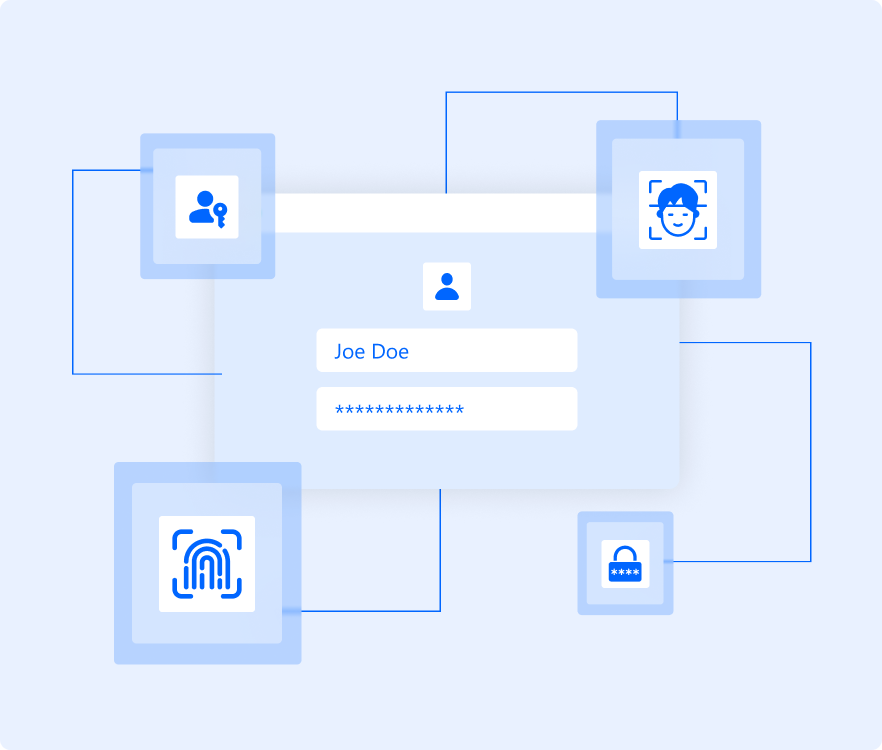
Multi-Factor Authentication is the gold standard for securing access in modern environments. Relying on passwords alone is no longer enough; credentials are reused, stolen, and easily phished, making them a common entry point for attackers. Most security breaches still begin with compromised passwords.
MFA strengthens authentication by requiring additional proof of identity: something a user knows, has, or is. Even if a password is exposed, unauthorized access is blocked. This makes MFA a foundational security control for protecting sensitive systems, meeting compliance requirements, and reducing the risk of both internal and external threats.
The AuthX Advantage
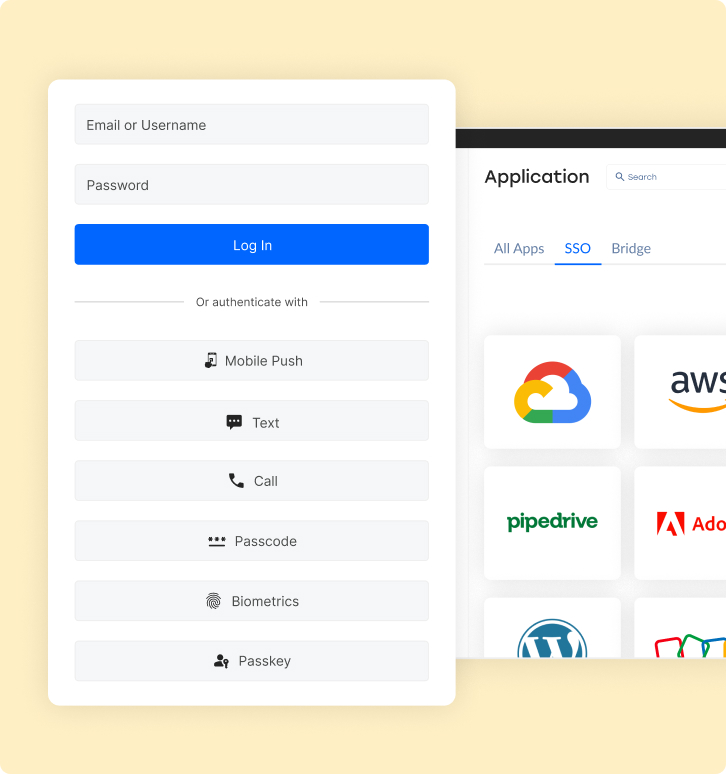
With support for over 15 authentication methods and seamless integration across cloud and on-prem environments, AuthX MFA delivers the flexibility and control modern organizations need, while actively reducing the risk of breaches, credential abuse, and compliance failures.
Application Access Control
Secure access to enterprise applications by enforcing MFA alongside SSO, ensuring only verified users reach critical systems.
Self-Service Password Recovery
Enable users to securely reset passwords or unlock accounts after identity verification—reducing helpdesk load without weakening security.
Endpoint Security
Protect user logins across endpoints and access points, including desktops, operating systems, VPNs, and email gateways, with consistent MFA enforcement.
Seamless Environment Integration
Apply unified authentication policies across both cloud and on-prem systems without disrupting existing infrastructure.
Threat Surface Reduction
Block common attack paths by requiring multiple identity checks, even when credentials are compromised.
Friction-Free User Experience
Streamline authentication flows, so users gain secure access quickly, without unnecessary prompts or delays.
Examples of MFA in Action
Multi-Factor Authentication is already embedded in how users access sensitive systems every day, often without noticing it. Whenever an application asks for extra verification beyond a password, MFA is working in the background to confirm identity and reduce risk.
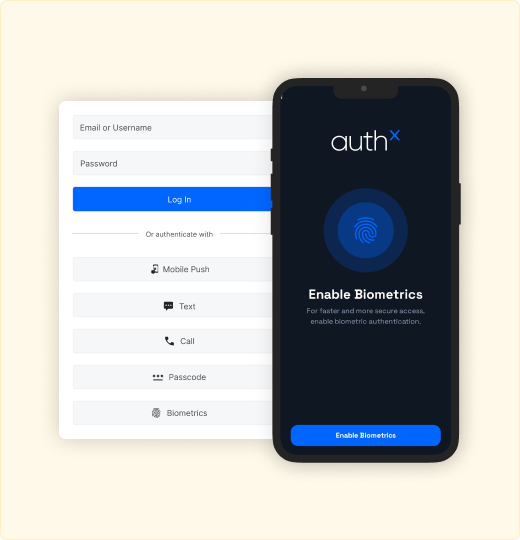
Biometric Verification
Track usage, assignments, sessions, and operational patterns to optimize performance and utilization.
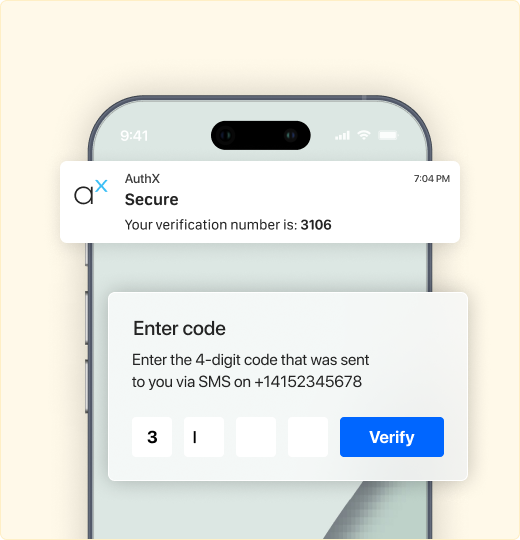
One-Time Passcode (OTP)
OTPs are triggered for high-value or high-risk transactions, adding a temporary verification layer.
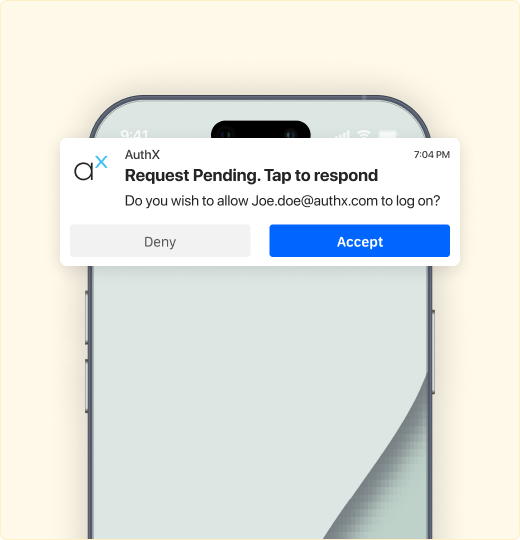
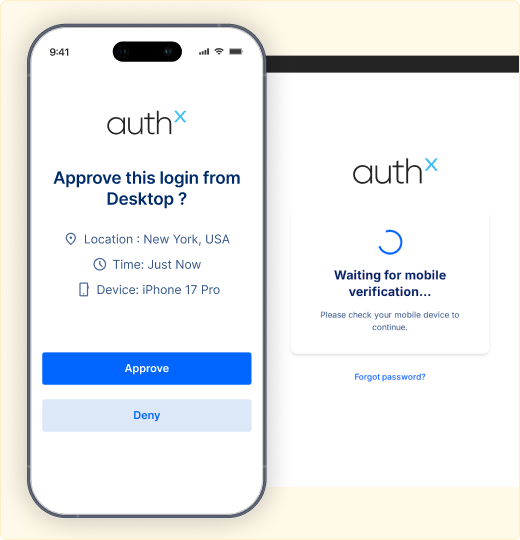
Push Notifications
Push notifications allow users to quickly approve or deny login attempts from trusted devices.
Context-based Verification
Context-based verification introduces additional checks when access appears unusual, such as a new device or location.
MFA Use Cases by Industry
Healthcare
Doctors, nurses, and staff access electronic health records, prescription systems, and patient portals. MFA ensures only authorized users can reach sensitive medical data, supporting patient safety and regulatory compliance.
Government
Employees and officials log in to internal systems, citizen services, and secure databases. MFA protects against unauthorized access and strengthens identity assurance for high-risk environments.
Education
Students, faculty, and administrators access learning platforms, student records, and internal systems. MFA prevents account misuse while keeping access simple across shared and remote environments.
Enterprises
Employees and contractors access cloud applications, internal tools, and remote work systems. MFA adds a critical layer of protection across distributed environments without slowing productivity.
E-Commerce
Customers and operations teams access accounts, payment systems, and order platforms. MFA reduces fraud, prevents account takeovers, and protects transactional integrity.
Finance
Users access banking platforms, financial tools, and sensitive data. MFA helps prevent unauthorized transactions and meet strict regulatory and security requirements.
SaaS
End users and administrators access applications, dashboards, and integrations. MFA protects customer data, supports enterprise security expectations, and enables secure access at a scale.
How to Implement MFA with AuthX?
Deploying MFA with AuthX is simple and efficient. Follow these steps:
01 Assess Security Requirements
Identify critical applications, user roles, and compliance needs for MFA deployment.


02 Configure MFA Policies
Define authentication factors, set risk-based authentication rules, and enable adaptive security.
03 Enable Authentication Methods
Select from passkeys, biometric, mobile push, OTP, smart cards, and passwordless login options.
04 Test and Optimize
Validate authentication workflows and optimize user experience.
05 Deploy and Educate
Roll out MFA organization-wide with minimal disruption, providing user training and support.
06 Monitor and Scale
Use AuthX’s analytics to track authentication patterns, detect anomalies, and enhance security.
Why Choose AuthX for MFA?
Passwordless Authentication
Leverage divese auth factors like biometrics, mobile push, smart cards, and passkeys for secure, frictionless access.
Adaptive & Risk-Based Authentication
Dynamically adjust authentication requirements based on user behavior, device, and location.
Seamless Integration
Enable MFA for any application. Our platform supports industry protocols to deliver secure multi-factor authentication (MFA) for all applications and systems.
Customizable Policies
Set up role-based access controls and authentication flows that align with your security needs.
Scalable for Any Business
From Small and Medium-sized Businesses to enterprises, AuthX MFA grows with your security demands.


