AuthX Authenticator - Secure Your Digital World with Ease

Fast, reliable access without the hassle of passwords. The AuthX authenticator app provides quick, secure access to critical applications and systems.

Experience Effortless Security

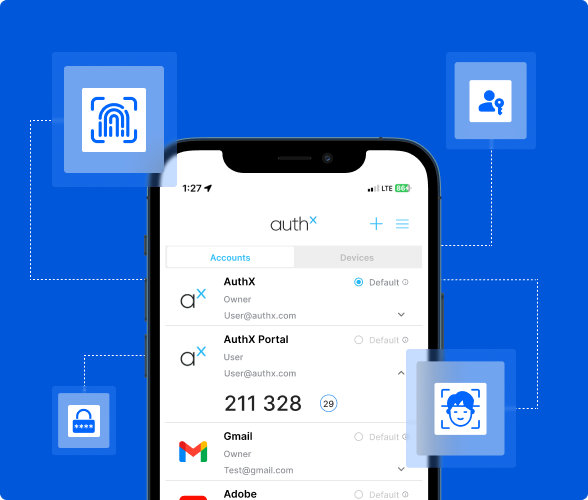
The AuthX App is designed to simplify authentication without compromising security. It provides users an easy, secure way to access applications using multiple verification methods, including Push notifications, Passkeys, Biometrics, OTP, and TOTP passcodes. As your mobile authenticator application, it ensures that whether logging in from a work computer or remotely, you’re always protected.

Key Features of the AuthX Authenticator

One-Tap Authentication

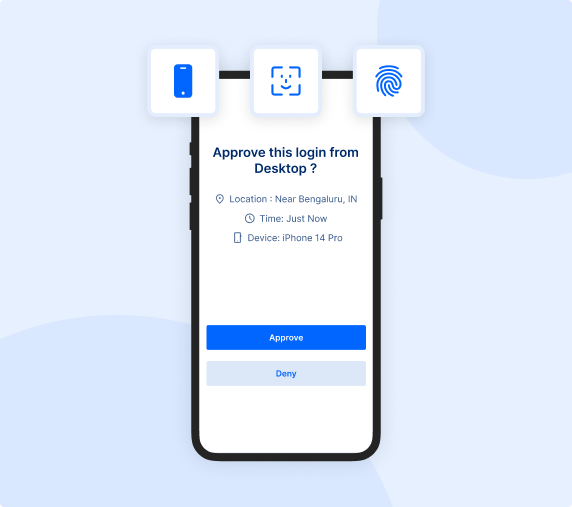
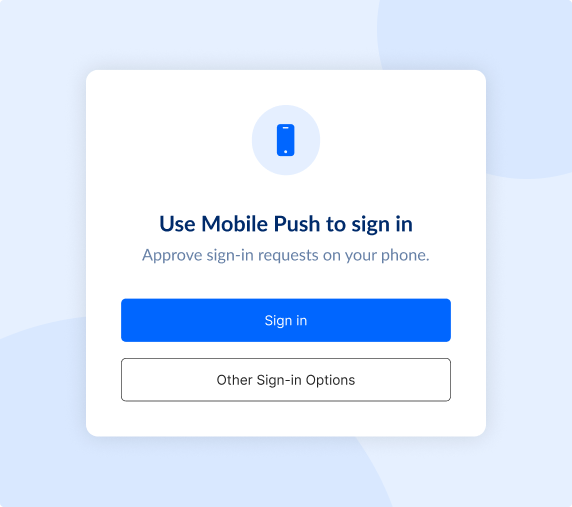
Quickly verify your identity with a single tap using push notifications.

Multi-Factor Authentication (MFA)

Add extra layers of security with our MFA authenticator application. These include authentication methods like Biometrics, OTP, TOTP and more.

Passwordless Access

Eliminate passwords for a more secure, frictionless login experience.

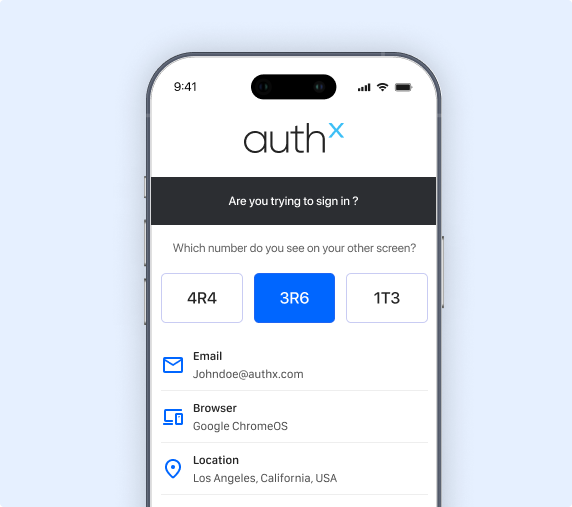
Advanced Push

Authenticate in real time by matching dynamic digits, adding an extra layer of security against unauthorized access.

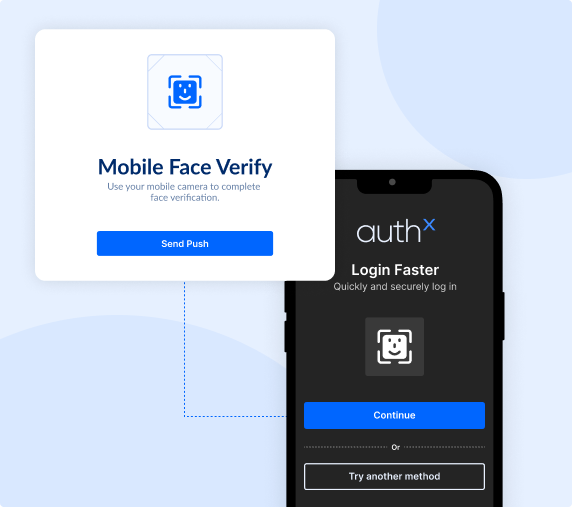
Biometric Authentication

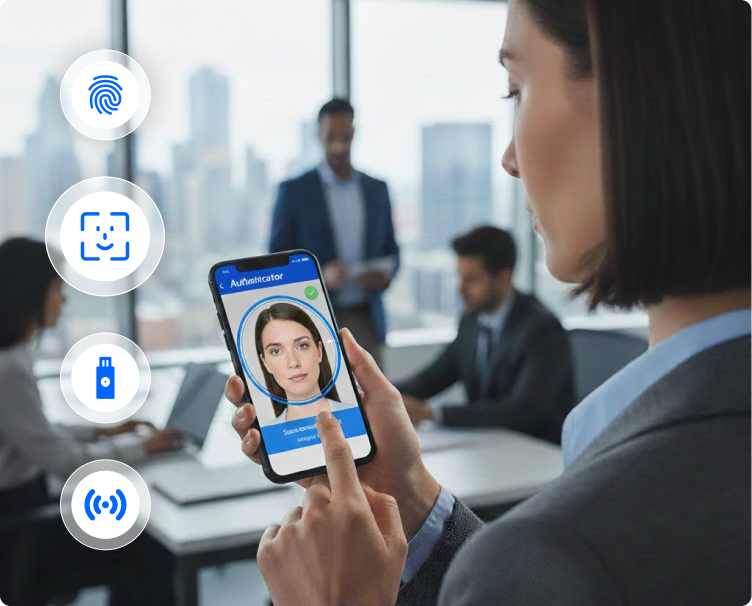
Leverage fingerprint or facial recognition for faster and more secure access.

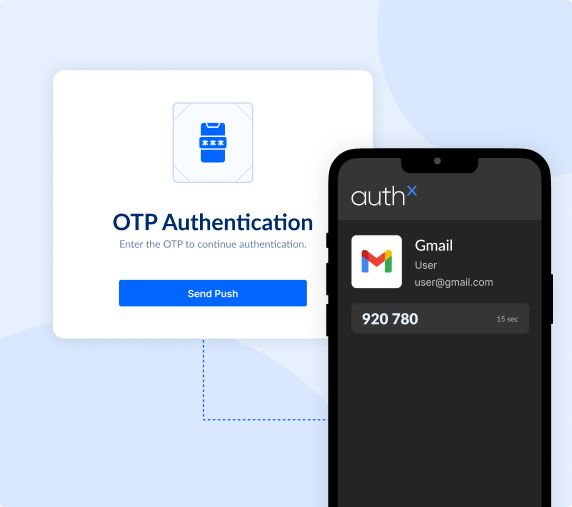
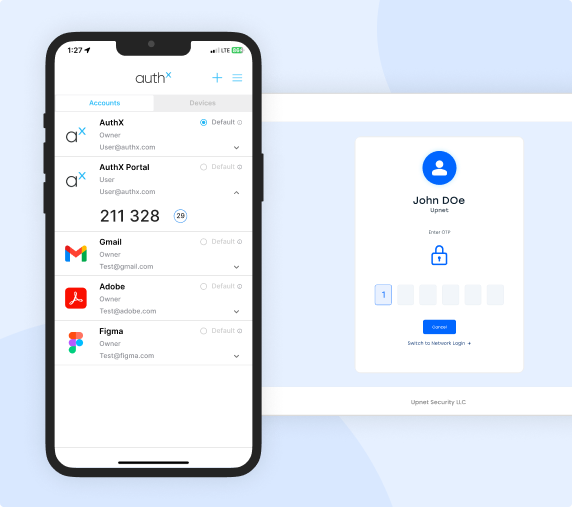
Time-Based One-Time Passcodes (TOTP)

Generate passcodes for two-factor authentication across multiple platforms, reinforcing the app’s strength as a 2FA Mobile Authenticator App.

Protecting Your Devices and Data

The AuthX Authenticator App not only makes authentication easy, but it also helps users maintain the security of their devices. With features like Security Checkup, you can monitor the health of your mobile devices and receive alerts to support best practices. The Restore feature allows users to back up and recover their authentication data seamlessly when switching to a new device.

Device Recovery

Remote and hybrid teams need security without barriers. AuthX delivers Zero Trust remote authentication with Adaptive MFA and contextual policies, ensuring users stay verified, whether they’re logging in from home, a client site, or the cloud.


To Access this content, Please fill in the details below.